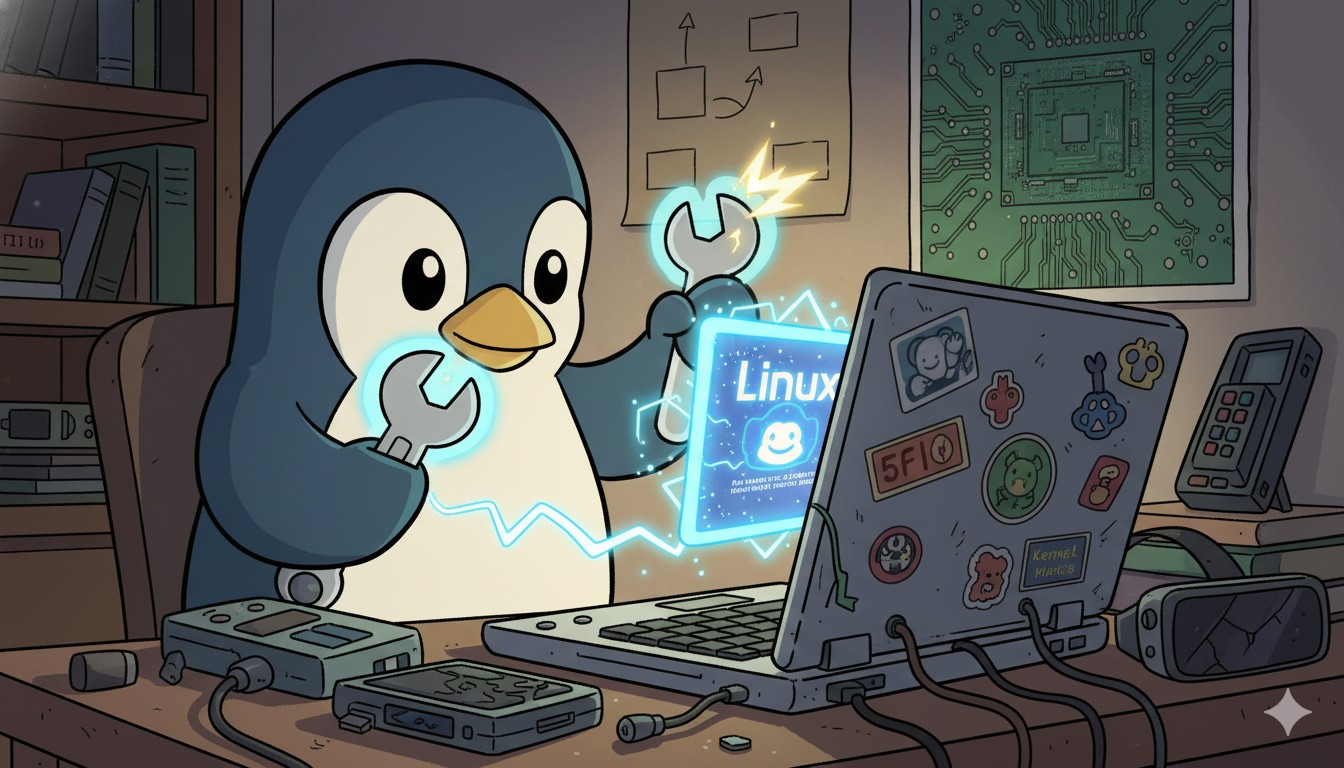
Introduction: The ‘Hidden Value’ of Linux—The Only Alternative for Unsupported PCs, Environmentalism, and More
In the previous two parts, we reached the practical conclusion that ‘Windows is more practical and cheaper’ in a modern desktop environment. However, this conclusion only holds true for new hardware. In areas where Windows falls short—older PCs/laptops, hardware not supported by Windows 11, end-of-life devices, and environmental responsibility—Linux offers an overwhelming and compelling alternative. It’s here, in the realm of sustainability and hardware longevity, that Linux truly shines.
The Economic Case for Linux on Older Hardware
The economic advantage of Linux begins where Windows support ends. The strict hardware requirements of Windows 11 rendered millions of older PCs obsolete overnight. However, by leveraging Linux, you can give these machines a new lease on life and achieve significant cost savings.
- Direct Cost Savings: Instead of spending over $500 on a new PC and Windows license, switching to Linux costs only about $160 in opportunity cost, saving you over $340.
- Maximum Efficiency on Minimal Specs: Lightweight distributions like Lubuntu or Linux Lite run smoothly on just 1GB of RAM. Options like Q4OS or Puppy Linux can revive a 20-year-old computer with as little as 256MB of RAM, making it perfectly usable for web browsing and document editing.
- Zero Hardware and Software Cost: By recycling an old PC, the cost of both hardware and the operating system (OS) becomes zero.
A Socially and Environmentally Responsible Choice
Extending the life of old hardware goes beyond personal cost savings; it creates a positive impact on society and the environment.
- Reduces E-Waste: Reusing a single computer means one less piece of electronic waste (e-waste) ending up in a landfill.
- Conserves Resources & Lowers Carbon Emissions: It reduces the demand for new computers, conserving the vast resources and energy required for manufacturing and shrinking our collective carbon footprint.
- Bridges the Digital Divide: Refurbished PCs running Linux can be donated to schools, non-profits, and low-income families, expanding access to technology.
- Increases Cost-Effectiveness for Organizations: Institutions can deploy multiple computers with no licensing fees, allowing them to reallocate saved funds to other critical needs.
Real-World Success Stories
This approach is not just theoretical; it’s being put into practice worldwide. Old, slow computers that were once gathering dust are finding new purpose with Linux.
-
Educational Institutions: Computer labs filled with aging desktops are transformed into coding and research environments using Ubuntu or Linux Mint.
-
Home Use: A forgotten laptop can become a child’s first computer, a simple web-browsing station for a grandparent, or a dedicated home media server for the whole family.
-
Business and Development: Old servers are repurposed for testing, development, or running lightweight services, maximizing the efficiency of IT resources.
Of course, a 15-year-old computer won’t run the latest AAA games or handle heavy video editing. However, it is more than capable of handling everyday tasks like web browsing, document creation, and learning to code—an irreplaceable value that Linux provides.
Conclusion: The True Power of Desktop Linux
The story of desktop Linux is one of contrasts. In the world of new, high-end hardware, it often struggles to compete with the convenience and polish of Windows. But in the world of older, forgotten machines, it becomes a hero. For PCs that have been left behind by the relentless march of progress, Linux offers an “upgrade unlock,” a second chance at a productive life. It is a choice that is not only economically sound but also environmentally and socially responsible.
While the first two parts of this series concluded that Windows can be cheaper, that is only half of the story. The other half, the one of sustainability and accessibility, belongs to Linux. This is the dual truth of the tech ecosystem, and it provides a powerful reminder that the value of technology is not just in what’s new, but in what can be preserved.
This concludes the 3-part series. I hope it has provided practical hints for all your OS selection dilemmas from the perspectives of real experience, data, and the environment.
Related Posts
- Windows vs. Linux for Desktop: The Realistic Reason Why Linux Can Be More Expensive (Part 1)
- Is Linux Installation Really “Easy”? The Reality of Setting Hell (Part 2)
References
- Best Linux Distros for Reviving an Old PC (Tom’s Hardware)
- 16 Best Lightweight Linux Distributions for Older Computers (itsfoss.com)
- Comparison of Lightweight Linux Distributions (Wikipedia)
- Resurrect an Old Computer with Linux (ifixit)
- Linux helped me revive a dying PC (Reddit)
- Windows 11 System Requirements (Microsoft)